
The Scaling Penalty: Why Your AI Development Environment Becomes a Bottleneck
Sunday morning. Same benchmark data. Different question.
After spending the evening hitting the ceiling on what embeddings could tell me about fifteen years of email (that’s a different story), I looked at the performance numbers again. Not as a practitioner trying to extract meaning from data, but as someone who advises CTOs on infrastructure decisions.
The numbers tell a simpler story than I expected. And it’s not about NVIDIA versus Apple.
The Setup
I ran 103,000 email embeddings on two workstation-class machines:
- Apple M2 Pro (16GB RAM, MPS acceleration) – $2,500
- NVIDIA DGX Spark (GB10 GPU, 128GB RAM) – $4,000
Two models: MiniLM-L6 (smaller, faster) and e5-base (larger, more capable).
Could I get similar performance with a higher-end Mac? Probably. A Mac Studio with M2 Ultra and 128GB would likely close much of this gap. That’s not the point.
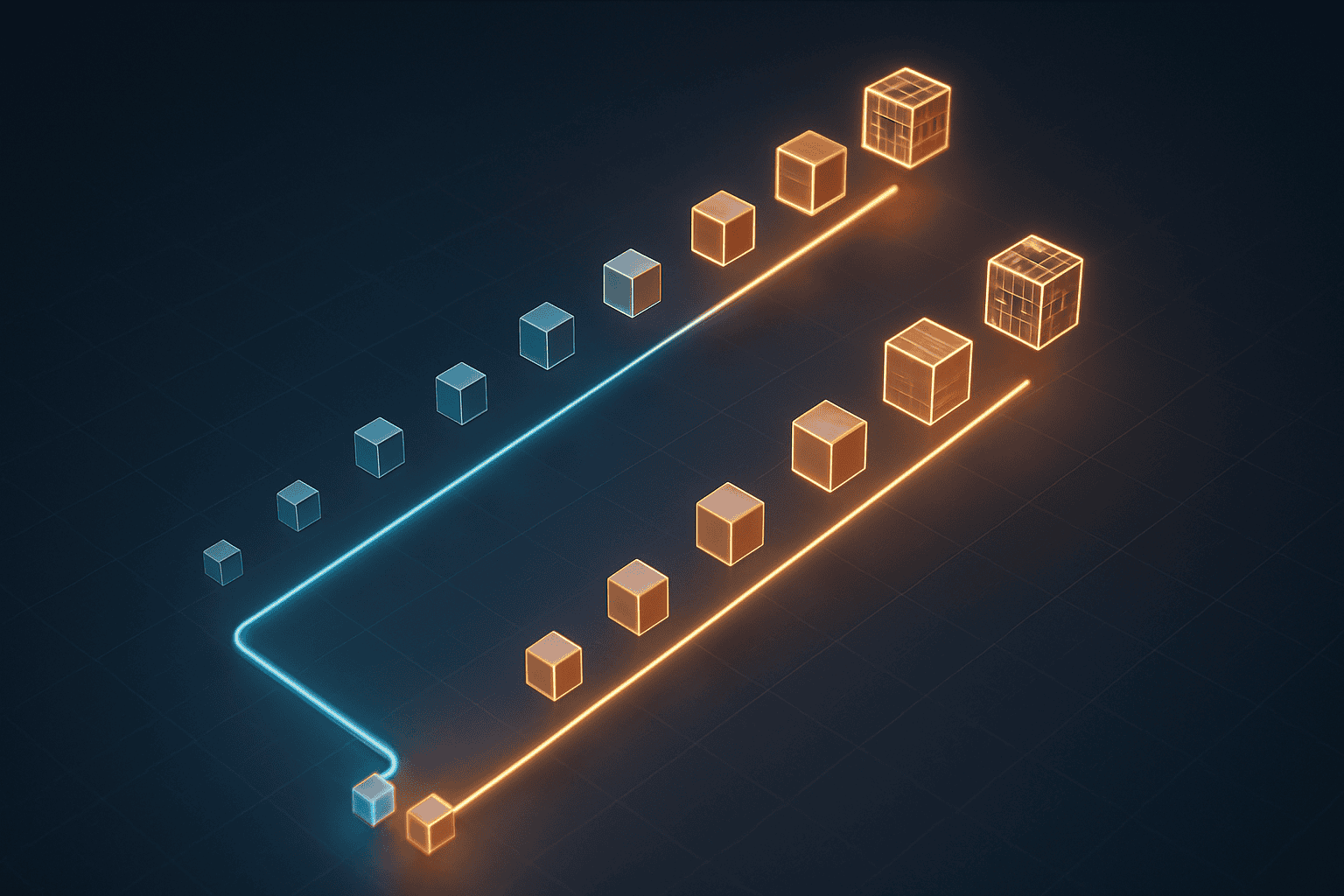
The point is the performance gap between these two machines didn’t stay constant—it widened as the models got larger. That’s the scaling penalty, and it’s what most teams don’t measure before making infrastructure decisions.
What the Data Shows
On the smaller model (MiniLM-L6), the DGX Spark was 1.80x faster. The MacBook did 116 items per second; the Spark did 210. Noticeable but not dramatic. If you’re working with smaller models, this M2 Pro is genuinely “close enough.”
On the larger model (e5-base), that gap became 2.78x. The performance difference nearly doubled.
MiniLM-L6:
- DGX Spark: 8.2 minutes (210 items/sec)
- M2 Pro: 14.7 minutes (117 items/sec)
- Time difference: 6.5 minutes
e5-base:
- DGX Spark: 8.2 minutes (208 items/sec)
- M2 Pro: 22.9 minutes (75 items/sec)
- Time difference: 14.7 minutes
The Spark processed the larger model at essentially the same speed as the smaller one. The M2 Pro didn’t. Its performance degraded by 1.56x as model complexity increased. The Spark’s degraded by 1.01x.
That 1.56x versus 1.01x is your scaling penalty. And you won’t know what yours is until you measure it.
Why This Actually Matters
Most teams aren’t running one benchmark. They’re iterating. A realistic AI development sprint might include 40-60 model experiments as teams tune parameters, test approaches, validate results.
50 iterations on e5-base:
- DGX Spark: ~7 hours
- M2 Pro: ~19 hours
- Lost time: 12 hours per sprint
That’s not a coffee break. That’s a day and a half of developer time every two weeks.
And here’s what most infrastructure justifications get wrong: they talk about developer productivity, iteration speed, and team happiness. That’s what I call Blue Money—operational efficiency that’s real but impossible to budget.
CFOs don’t fund projects based on vibes. They fund projects based on Green Money—hard dollar savings you can put in a spreadsheet.
The Blue Money Trap
When teams justify AI infrastructure, it usually sounds like this:
“Our developers will be more productive.”
“We’ll iterate faster.”
“The team will be happier.”
All true. None of it gets you budget approval.
Here’s how to translate Blue Money to Green Money for your team:
Step 1: Measure your iteration rate
Count how many model runs your team executes per sprint. Track it for two weeks. If you’re not measuring this, you’re guessing.
Step 2: Benchmark your scaling penalty
Run a small model and a large model on your current hardware. Measure the performance degradation. That’s your scaling penalty—and it tells you whether your hardware will handle your model complexity trajectory.
Step 3: Calculate time savings
Multiply your iteration count by the time difference per iteration. That’s your weekly waiting time.
Step 4: Convert to loaded cost
Multiply saved hours by your team’s loaded hourly rate. Use $75/hour for mid-level AI engineers if you don’t have precise numbers.
Step 5: Calculate payback period
Divide hardware cost difference by annual savings. That’s your ROI in real dollars.
For my setup: one engineer, 50 iterations per sprint, 15 minutes saved per iteration = 12.5 hours per sprint = 325 hours per year at $75/hour = $24,375 in avoided waiting.
The $1,500 hardware premium pays for itself in three weeks. That’s not a productivity argument anymore. That’s a line item your CFO can approve.
What You’re Really Measuring
The dollar calculation matters, but the scaling penalty matters more.
A 1.56x degradation means your development environment is pushing you toward simpler models. Not because they’re better—because they’re faster to iterate on. When experiments take 23 minutes instead of 8 minutes, teams experiment less. They skip the “let’s try one more approach” tests. They ship “good enough” because the cost of “let’s see if this is better” is too high.
I can’t quantify what that costs in product quality or competitive advantage. But it’s not zero.
And it gets worse as your models scale. If you’re moving from simple embeddings toward fine-tuning, multi-stage pipelines, or larger foundation models, that 1.56x penalty compounds. Your infrastructure creates artificial pressure to stay small.
The Tactical Decision
This isn’t an Apple versus NVIDIA recommendation. A Mac Studio with M2 Ultra might cut that scaling penalty significantly. An H100-based workstation would eliminate it entirely but costs 10x more.
The question is: what’s your team’s scaling penalty, and what’s it costing you?
If your team runs smaller models and isn’t planning to scale up, optimize for cost. The M2 Pro is legitimately fine for that workload.
If you’re already working with larger models or expect to, measure your scaling penalty first. Then do the Green Money math. The hardware decision usually becomes obvious.
If you don’t know your model complexity trajectory, instrument your development loop before buying anything. Track iteration rates for a month. Benchmark small and large models. Calculate the Green Money impact. Then decide.
Most CTOs skip this because they don’t have the data. They make infrastructure decisions based on procurement price and vendor relationships instead of utilization cost and scaling penalties.
What I’m Testing Next
This was one workload on one Sunday. I still need to measure:
- Higher-end MPS devices (does a Mac Studio change the scaling penalty?)
- Multi-GPU scaling (does adding a second GPU maintain consistent performance?)
- Mixed workloads (embeddings + inference + fine-tuning simultaneously)
- Memory ceiling effects (what breaks when you exceed 16GB versus 128GB?)
But the methodology is clean: measure your scaling penalty, convert it to Green Money, make infrastructure decisions based on real utilization costs instead of sticker prices.
The math most teams skip isn’t complicated. They just haven’t instrumented their development loops to collect it.
Share This Story, Choose Your Platform!

Keith Townsend is a seasoned technology leader and Founder of The Advisor Bench, specializing in IT infrastructure, cloud technologies, and AI. With expertise spanning cloud, virtualization, networking, and storage, Keith has been a trusted partner in transforming IT operations across industries, including pharmaceuticals, manufacturing, government, software, and financial services.
Keith’s career highlights include leading global initiatives to consolidate multiple data centers, unify disparate IT operations, and modernize mission-critical platforms for “three-letter” federal agencies. His ability to align complex technology solutions with business objectives has made him a sought-after advisor for organizations navigating digital transformation.
A recognized voice in the industry, Keith combines his deep infrastructure knowledge with AI expertise to help enterprises integrate machine learning and AI-driven solutions into their IT strategies. His leadership has extended to designing scalable architectures that support advanced analytics and automation, empowering businesses to unlock new efficiencies and capabilities.
Whether guiding data center modernization, deploying AI solutions, or advising on cloud strategies, Keith brings a unique blend of technical depth and strategic insight to every project.