
Dell Technologies PowerOne Controller
Transcript
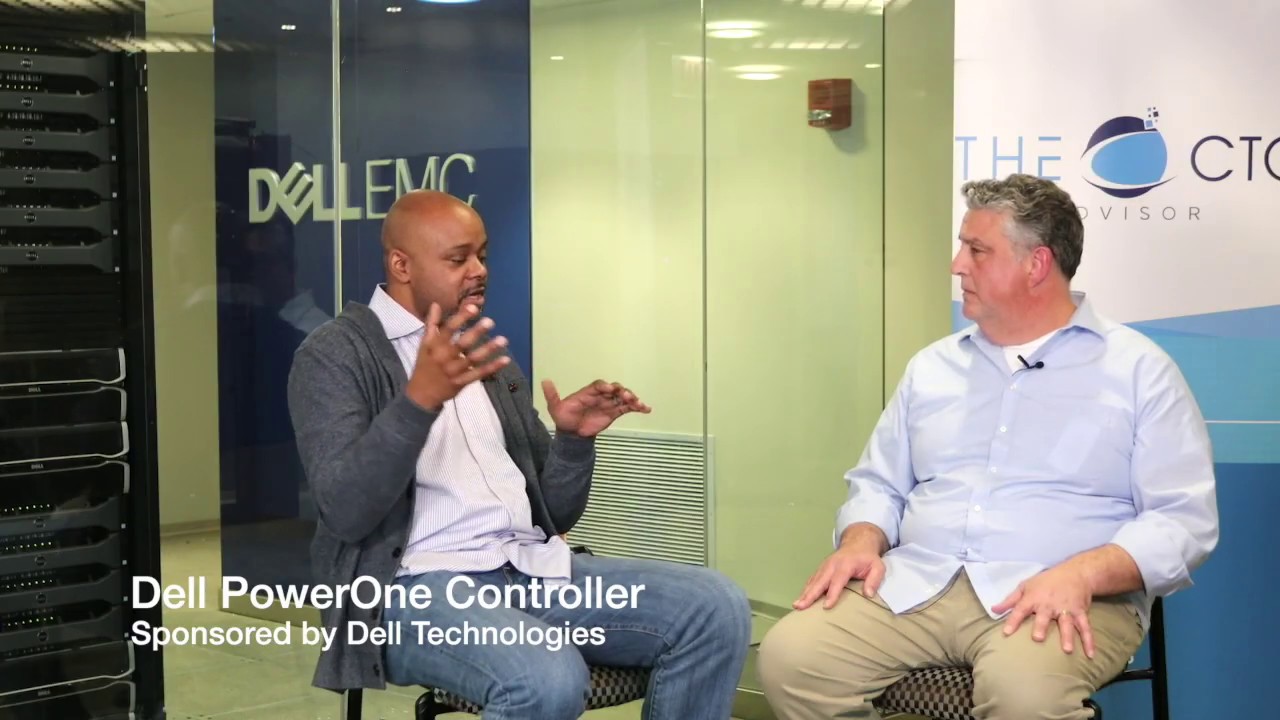
>> Hey, how's it going? It's Keith Townsend from the CTO Advisor. You're continuing the conversation, or I'm continuing the conversation here in the beautiful offices, and I say it's beautiful because we have servers in the background for a change, of Dell EMC here in Naperville, Illinois. Dave Iovino, Technical Marketing Engineer? >> Yes. >> Dell Technologies. Thank you for joining the program, and thank you for Dell Technologies for hosting the conversation. So, we just got through talking to Connor Duffy, and we got a pretty good overview of Dell PowerOne, and he went into this description of the autonomous systems, specifically automation.
And I wanted to kind of peel back the layers on that a little bit, because automation, I think, is the real value for me for PowerOne. >> Absolutely. >> I mean, I can get a converged infrastructure system from a lot of vendors, and even from Dell. You guys have a few options for me for converged infrastructure. But for automation specifically, I need to know what's under the covers a little bit of this controller. First off, describe to me what is the controller in PowerOne?
>> Okay, so at a physical level, the controller is a three-node cluster that's running an open-source software stack and runs all our automation on there. So, that's the physical aspect of it, right? But its purpose is to essentially direct the operations of the entire system. So, that includes automating all the cluster creations, it includes automating all the management of the storage, the SAN, the servers, all the different components in the VMware itself as part of the system. >> So, three nodes, that's kind of beefy.
Why three nodes? >> So, the system is designed to scale, right? So, at initial release, it's what we call a single pod system, but it was designed to scale to 32 pods and thousands of servers. So that's why initially, the three nodes were part of both the redundancy and reliability of the control of the PowerOne controller, but also the ability to scale beyond. >> So, those are some impressive numbers. And I'm tempted to kind of go down a rabbit hole of talking about those numbers, but I wanted to keep it focused on the automation conversation.
You said something that kind of triggered me from a... I'm an open source fan, but operationally, I've shied away from most open source projects because of the operational overhead versus the value. I see the value is tantalizing in open source, but I don't want to manage open source products more than I have to. >> You won't be managing open source. >> Yeah, how much interaction now am I seeing with the actual open source layer of these appliances? >> So, you can think of the PowerOne controller as an appliance, right?
So, we've built it from open source software internally. We'll maintain that, we contribute to those projects, we're responsible for it, but as far as you're concerned, the PowerOne controller is an appliance, you don't have to do anything with it. >> The part about open source that I like is the ability to share automation, scripts, et cetera, between my peers, I like that part of it. Is that available, or even needed? Because I think I need to take a step back and ask the question, are these automations invisible to me?
Can I edit them, can I download them, can I upload them? What's my interaction with the actual automation? >> So, you have no control over the automations, right? Dell is responsible for those automations. We build them, we maintain them, we test them, we update them. But that's all internal to the controller. So you're a consumer of that automation, right? So, think of it this way, when you're building automation in your data center, from the infrastructure standpoint, you're not automating, you're not maintaining automation for your infrastructure, you're consuming.
Now, once you're using the PowerOne system, you're going to incorporate that into your larger automation framework, your data center automation. You'll be building other automations, but the PowerOne automation, you'll just be a consumer of that automation. >> So, if I think about this, this is more like a service, consuming a cloud-type service inside of my data center. If I want to provision a new vSphere node, I make a call to the automations that's inside PowerOne from my Terraform or my puppet or my chef, my external ship system, I'd make the rest call into PowerOne, and PowerOne would do that automation for me, and I should not care anything about it.
>> Correct. >> What about updates? Because I still, unlike cloud, I care about the version of vSphere running on a set of nodes. >> So, we give you guardrails for running your vSphere cluster, what versions are supported and have been tested together. But even the upgrade process itself is an API call. 7 version, update 3, and that automation, and I can make that API call, and it'll do that auto--, >> Correct. >> the PowerOne automations will take care of that.
>> Absolutely. So, you think of it as outcomes. So, I want a cluster, right? I want a vSphere cluster that's ready to deploy virtual machines on. That's an outcome, that's an API call. It's actually a single API call. If I want to expand that cluster, that's an API call. If I want to contract that, that's an API call. All outcomes that you may need. If I want to upgrade the cluster, that's an API call. So, we've taken all the operations, the single API, let's just take the crate cluster for a second.
That create cluster is a single API call, which actually results in hundreds of automation steps happening under the covers. And then also, as that cluster has a life cycle, there's all the process internally to maintain the life cycle of that cluster. >> So Dave, talk to me. What we're talking about here are basically several different components of my infrastructure. We're talking about storage, network, compute, et cetera. All these different things have their own API. Are you telling me that PowerOne basically frontends all of those components, basically an API to my data center?
>> So to speak. So, what PowerOne does is it automates all those underlying components that you just mentioned. And it does that through those APIs, but it's responsible for the automation of those APIs, of those systems. So, what PowerOne does, all the PowerOne functionality, all the automation that we are providing is exposed through the PowerOne API. And so, you would leverage the PowerOne API to do things like create vSphere clusters, expand those vSphere clusters, contract those vSphere clusters, and upgrade those vSphere clusters.
And then, when you're done with that cluster, to delete that vSphere cluster. So, each of those are discrete API calls through the PowerOne API. >> So, let's just look at the PowerMax and provisioning of LUNs. The PowerMax is a fiber channel thing that uses a 32-gigabyte fiber channel fabric. It is a proper array. So when I provision that vSphere cluster, I created hundreds, if not thousands, of LUNs. There's all these data protection rules I put behind that. A single API call is deconstructed, all of that.
>> All but once. >> Okay. >> So, exactly, when you issue the single API call to delete a cluster, we're cleaning up all that environment and returning those resources to the pool so they can be reused immediately. The one thing we're not doing is deleting the volumes on the PowerMax. Because in case you did it by accident, you made a mistake, we don't want to delete all your, we can recreate everything else but getting your data back is a whole different thing.
So, you have to go in and manually delete those, at least today. I think somewhere down the line, we will provide a slightly different solution. But today, you have to go delete those, to destroy your own data. >> So, that's a good call because, I've deleted a LUN or two via automation that I didn't, data volumes that I didn't want to delete. So, let's talk about kind of the other kind of standards within the stack. Hardware, the servers, I don't really think of APIs when I think of physical servers, they're servers.
What's the behind-the-scenes of the API calls from PowerOne into the storage sub, I mean, the compute subsystem. >> So today, the PowerOne servers are all the MX7000 chassis, right? So, they're all blades systems, so the APIs for that would be things like provisioning the server, we'd have to deploy a template to it, we'd have to add VLANs to the template for that server. That type of stuff is happening on the backend of the server, API calls. >> What are some of the integrations from other management systems you guys predicted as you designed out the system?
>> Yeah, so the way the API calls, so, let's take the create cluster, right? So, there's two API calls that are significant for that. So, the first one would be what we call the select assets. And that allows you to specify just your compute, your memory, and your storage you're looking for. And then PowerOne will recommend a configuration back, so it'll place the server blades and the storage in the most optimal configuration, it'll recommend that back to you. So, that's first of how you can take a simple requirement like compute memory and storage and get a layout back.
And then, you can use that layout to make the API call that actually creates the cluster. So, we see this maybe tying into some frontend portal systems where you could simply, if I needed a cluster, if I needed a vSpehere cluster, all I have to do is provide what my requirements are, PowerOne will return back a possible configurations, multiple possible configurations. If you don't have the resources and the system, PowerOne, the select assets API call would return back an empty list. So, you'll know that you don't have the requirements to meet that.
So, with those simple requirements, then I can come back, I know what I need to create, and then I make a single API call on that cluster. So, we think frontend automation as far as frontend portal systems, portals and things like that. >> So, let's say I'm not into APIs today. You know, all this talk of APIs is great for future version of what I want to do, but I just want the automations that you guys provide, and I want to interface with those like I would any other control panel.
What's the out-of-the-box experience for consuming PowerOne today? >> Yeah, so PowerOne comes with what they also call, what is called the PowerOne Navigator, it's a UI. The UI is completely built on top of the API. So, nothing happens in the UI that doesn't make an underlying API call, but it's much easier to consume, to create clusters. It's all wizard-driven to be able to create, delete, modify clusters. And that touches back to something Connor talked about, Launch Assist, when you're deploying the system, that's all wizard-driven through the Navigator UI.
>> So, let's talk about access control. If you guys are providing kind of this interface, and I have still my three different silos, network, compute and storage, and I want to give my network administrators insight into the network components of PowerOne, my storage administrator's PowerMax capabilities, et cetera, is there, is there the concept of creating kind of this access control? >> So today, PowerOne has a single tier of access. There's no type of RBAC-type access controls with that. So, that's the first one, but the thing that, if you want to be able to give visibility into the underlying systems, we don't prevent you from using the underlying element managers to get that access.
>> So, if-- >> So, you can prevent, if you want just visibility, you could prevent access to PowerOne, but allow access to say the underlying storage array. If you're going to get just say view accessed. >> So, can I bring other systems into this, or is this billed as, you know, what if I bought a PowerMax a few months ago, can I bring a system into this, or is this, you know, more of a walled garden today? >> So, if you want automation and you want to consume that automation, all the automations that we build, then it's essentially a walled garden.
But, you own the system, and you are allowed to plug other systems into it. So, they won't be automated, though. They are supported, but they will not be automated. >> So, what provides those guardrails from moving in and on a system, because we talked with Connor earlier, and he told us that, you know, obviously, we need more PowerMax. We can either expand the PowerMax that's in there or bring in another PowerMax under that umbrella into that. So how is that done practically from an API perspective?
>> So, once we go through, if you order the system upgrade, obviously there's a physical aspect of installing it. Once it's installed and the system discovers it, then it's available to you, so you can immediately start to use those components once they've been physically installed. And they're visible through the API. >> So, for me, the value of PowerOne outside of the integrated system is in the automations. However, we get into these configuration drifts. From a UI perspective, how do I make sure that I don't get too far out of the boundaries for automation so that I can continue to consume the automation, which is the reason why I bought the system?
>> Right, so, we build guardrails around that. We build guardrails around what versions you can use for vSphere, for (mumbles), and so on and so forth. So, when you go in, let's say that you want to upgrade from one vSphere version to another, that's within the guardrails of the system, that's good. We're going to allow you to do that through the API, but it's going to be within the guardrails. >> So, just as long as I go to the UI to perform the upgrade, I should be fine.
>> You can do it through the UI or the-- >> The API. >> The API, because anything that's done through the UI, it's done through the API. >> So, what we heard today was API, API, A-P-I. PowerOne was designed with the ideal of managing the system via APIs. And just as long as you stay within the boundaries of those guardrails that the APIs provide, you should be able to continue to use the system. I'd love to hear your feedback. Is this the right way to go with converged infrastructure, or do you want to build your own automations and your own guardrails so you can pretty much do whatever you want, but have the burden of managing whatever you want.
com is the website, @ctoadvisor is the Twitter handle, or just comment in the comment section below. Talk to you next CTO Dose.


